
In today's smart homes, voice assistants like Alexa and Google Home have become everyday essentials. They control our lights, play music, and even help manage our calendars. But as convenient as these devices are, they can also be vulnerable to cyberattacks if not properly secured.
Did you know that nearly 70% of smart devices face potential security risks? Cybercriminals target these devices to steal data, access personal information, or even control your home. That's why securing your voice assistant is critical for keeping your privacy intact and preventing unauthorized access to your devices.
By following a few simple security tips, you can protect not just your Alexa or Google Home but also other connected devices in your home, like secure smart plugs.
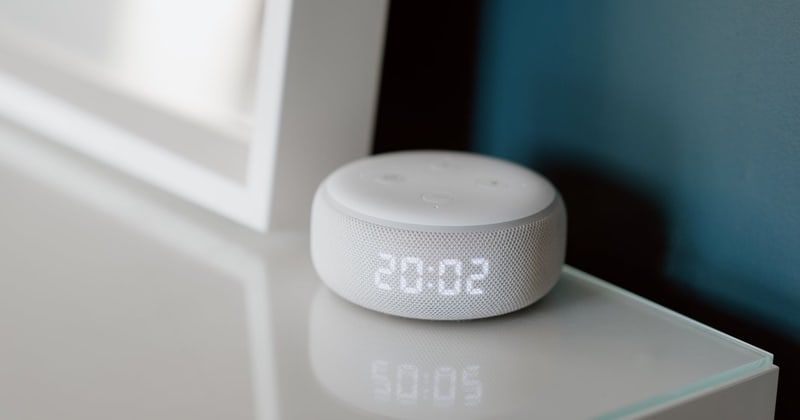
Before we dive into the solutions, let's take a closer look at the risks.
Voice assistants are always listening, which means they are constantly processing information. This presents vulnerabilities that hackers can exploit, such as weak passwords, unsecured apps, or voice commands. Once hackers gain access, they can steal personal data or control smart devices.
Now that we know the risks, let’s explore the best ways to secure your voice assistant and connected devices.
The first line of defense is to use strong, unique passwords for your voice assistant accounts. Avoid using easily guessable passwords like “1234” or “password.” Create a complex combination of letters, numbers, and symbols. Adding a unique PIN for voice commands will also make it harder for unauthorized users to access your device.
Two-factor authentication (2FA) adds an extra layer of security to your voice assistant. With 2FA, you'll need to verify your identity through a second method—usually a text message or authentication app—after entering your password. This makes it much harder for hackers to gain access even if they know your password.
Regular updates are crucial for securing your voice assistant. Manufacturers release software patches to fix security vulnerabilities. By keeping your device updated, you ensure that your voice assistant is protected from the latest threats.
While voice activation is convenient, it also means that your device is always listening. Turning off this feature when you're not using your assistant can prevent hackers from triggering voice commands when you're not around.
Most voice assistants allow you to adjust privacy settings, such as deleting voice recordings or limiting data sharing with third-party apps. Take a few minutes every month to review your settings and ensure you're only sharing essential information.
Beyond the basics, there are several other measures you can take to enhance your security.
Since your voice assistant is connected to your home Wi-Fi network, it’s essential to keep your network secure. Use WPA3 encryption on your router and set a strong, unique password to prevent unauthorized access.
Encrypting data is another important step in safeguarding your voice assistant. Encryption ensures that even if data is intercepted, it cannot be read or used by hackers. Check if your device offers encryption options and enable them.
Installing security software, such as firewalls and antivirus programs, can help protect your entire home network. These tools can detect and block malicious activity, ensuring that your voice assistant and other connected devices remain secure.
Despite all your efforts, there’s always a chance that your voice assistant could still be compromised. Here’s what to do if you suspect your device has been hacked.
If you notice any unusual activity, immediately change all associated passwords and disable voice activation temporarily. You should also monitor your accounts for any unauthorized access.
Both Amazon and Google provide customer support to help with compromised devices. They can assist with locking your device or remotely wiping data to prevent further unauthorized access.
Securing your voice assistant is an essential step in protecting your privacy and preventing cyberattacks. By using strong passwords, enabling two-factor authentication, and keeping your software updated, you can significantly reduce the risk of a breach. Don’t forget to secure other smart devices like secure smart plugs to ensure your entire home network stays safe.
Taking action now can save you from problems later. For more security tips, visit Hacker9. Stay safe and enjoy your secure smart home!